How to start a petition using ChatGPT
How to start a petition using ChatGPT
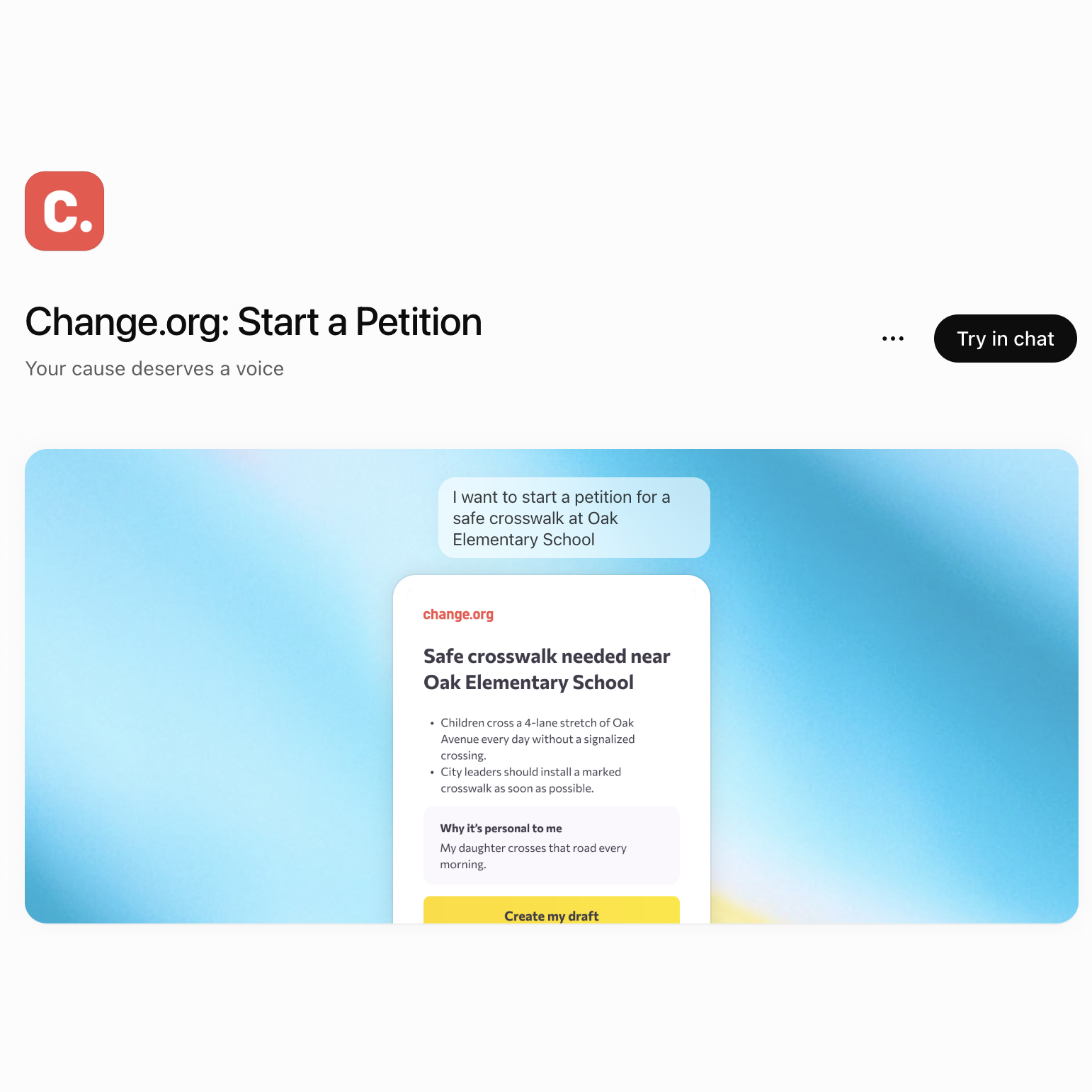
Change.org's official ChatGPT plugin turns a cause you describe into a publish-ready petition draft, with a title, clear argument, and the personal impact included. Here's how it works, step by step.If inspiration strikes while you’re working in ChatGPT and you’re ready to take action on a cause you care about, you can do it right then and there. Change.org: Start a Petition is Change.org's official plugin inside ChatGPT.
Describe your issue in your own words, and the plugin will transform it into a complete petition draft you can send straight to Change.org. This brings your challenge to the world's largest petition platform, where ordinary people have used petitions to save school resources and programs, change laws, and hold corporations accountable.
What the Change.org plugin does
The Change.org plugin helps you draft a petition for any cause without leaving ChatGPT. Give it context about your situation, who has the power to act, what you're asking them to do, and why it matters to you personally. Based on this information, it generates a full draft with a compelling title, a persuasive argument, and a section for your personal story about how the problem affects you or your community.
From there, tapping "Create my draft" moves your draft to Change.org, where you can edit it, add a photo, and publish it to reach people who can help.
How to use it, step by step
1). Open ChatGPT. The plugin works the same way on web, desktop, or mobile.
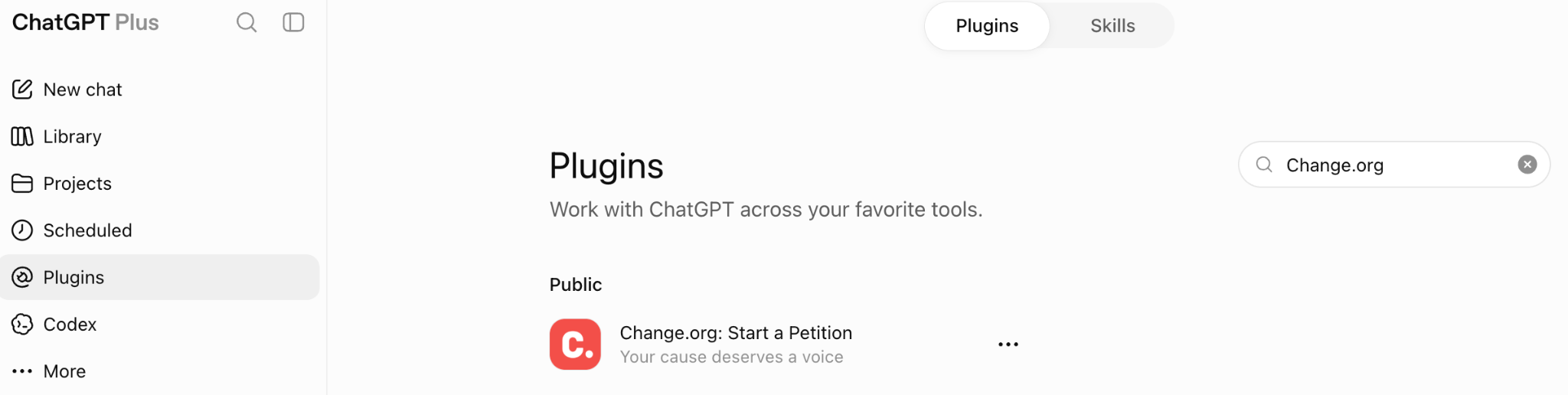
2). Bring in the Change.org plugin. If you haven't used it before, search "Change.org" in ChatGPT's plugin directory to connect it. Once connected, you can call it into any chat by typing @Change.org followed by your message.
3). Describe your cause. Write it the way you'd explain it to a friend. The more details about these primary components you include up front, the fewer questions you'll get asked afterward.
Who has the power to fix this (a school board, a company, a city council, an official)
What you want them to do (what is the desired outcome or solution?)
Why this matters to you personally (what is your or your community’s experience with the issue?)
4). Answer any follow-up questions. If your first message is missing a detail the plugin needs, like an exact location or your personal connection to the issue, it will ask a couple of quick questions before generating anything. This is normal; it's making sure your draft is specific enough to be effective, not a sign anything went wrong.
5). Review your draft. You'll get back a petition card with a title, a supporting argument, and a personal story section, built from what you shared.
6). Tap "Create my draft." This sends everything the plugin generated to a pre-filled draft page on Change.org.
7). Edit, add a photo, and publish when you're ready. Nothing goes live until you decide to publish it, so you're always the one in control of the final version.
Example
Here's what a starting message can look like:
@Change.org I want to petition the Maplewood city council to add a crosswalk near Riverside Elementary School on Cedar Avenue. Kids have to cross a 4-lane road with no signal every day. My daughter walks that route and I worry every single morning.
That message already answers who (Maplewood city council), what (add a crosswalk on Cedar Avenue), and why (a parent's daily worry about her daughter's safety), which is exactly the kind of detail that produces a strong first draft.
Frequently asked questions
Do I need a Change.org account to use the plugin? No. You can describe your cause and get a draft without an account. You'll only need to log in or sign up when you're ready to publish on Change.org.
Will my petition publish automatically? No. The plugin only creates a draft. You review it, edit it, add a photo, and choose when to publish it yourself on Change.org.
Why is it asking me questions instead of just giving me a draft? The plugin generates a stronger draft when it has specifics: an exact location, what makes the situation urgent, and your personal connection to it. If your first message doesn't cover those, it will ask before writing anything, rather than guessing and getting it wrong.
Is a petition I start this way any different from one I start directly on Change.org? No. It's the same platform and the same petition once it's published. The plugin is just an additional way to get from an idea to a first draft.
I've heard it called an "app" and a "plugin." Which is it? Both refer to the same tool. ChatGPT app integrations are now called plugins, so you may see either term depending on which version of ChatGPT you're using.
Ready to try it?
If you've got a cause in mind, open ChatGPT, install Change.org: Start a Petition, and describe what's going on in your own words. You'll have a draft to review in minutes. Congratulations, you’ve just begun your civic engagement journey.